
Custom Clothing Manufacturer for Brands, Teams and Private Labels
Develop and produce hoodies, sweatshirts, jackets, T-shirts, uniforms and complete apparel collections through one accountable OEM, ODM and private-label production system.
One Production System From Product Development to Bulk
EDVORIN supports OEM, ODM and private-label programs with material sourcing, patterns, samples, decoration, washing, quality control, labeling and packaging.
Match Machine Compatibility
Match the exported file to the target embroidery system, hoop limits and production equipment before approving artwork for bulk.
Protect Stitch Data
Separate editable working artwork from stitch-ready files so revisions, digitizing decisions and final machine instructions remain clearly controlled.
Prepare The Handoff
Review stitch count, color sequence, trims and placement details as part of a complete production handoff, not an isolated file.
Support Repeat Orders
Choose formats that support consistent sampling, approvals and repeat orders across hoodies, jackets, jerseys and other decorated apparel programs.
Control Production Quality
Coordinate artwork with fabric, thread, decoration and quality-control requirements so approved embroidery can be reproduced reliably at production scale.
Apparel Manufacturing Guide for Better Product Decisions
Use a practical decision framework to match embroidery formats with machines, artwork, and production needs, evaluate supplier readiness, and avoid compatibility, conversion, sizing, and stitch-quality mistakes before approving branded apparel.
1. What Is an Embroidery File Format Guide?
1 file extension is not enough to make a design stitch correctly. An embroidery file is a machine-readable set of stitch coordinates, needle movements, trims, jumps, color changes and related commands—not a JPG, PNG, PDF or SVG image. com/embroidery-machines-file-formats
4 file categories commonly appear in a buyer’s workflow. Artwork is the visual source, such as a logo or vector drawing; a digitized design file contains embroidery-specific stitch logic and may remain editable in professional software; a machine-ready file is exported for a named machine or production system, such as DST, PES, JEF or EXP; and a ZIP file is only an archive that may contain these files, color charts and instructions.
2. Embroidery File Formats: Evolution and History
Late 1980s commercial embroidery established expanded stitch formats such as DST, which record needle movements and machine commands rather than preserving editable design structure. These compact files remain practical production outputs because many commercial systems can read them, but thread colors and design logic may require separate documentation. com/@hegganjohn2023/the-ultimate-guide-to-embroidery-file-formats-what-you-need-to-know-about-dst-pes-exp-and-09609e5e3df3
1990s home and small-business systems broadened proprietary formats such as PES, JEF, and VP3, adding information like thread colors, hoop positioning, previews, and machine-specific settings. For a buyer, this shift made format selection part of sourcing: the file must match the embroidery equipment, hoop size, and intended production method. com/en-gb/blog/embroidery-file-formats-list-machine-embroidery-guide
Today, native design formats kept inside digitizing software preserve editable objects, stitch types, density, underlay, sequencing, and pull compensation before export to machine files.
3. Types in an Embroidery File Format Guide
Three format families serve different production stages: machine-ready stitch files, editable native files, and artwork used for digitizing.
| Family | Formats and associations | Color data | Typical use |
|---|---|---|---|
| Expanded | DST—Tajima; EXP—Melco | Limited or absent | Commercial machine handoff |
| Native | PES—Brother; JEF—Janome; VP3/HUS—Husqvarna; ART—Bernina; XXX—Singer | Usually retained | Brand-specific editing and review |
| Artwork | AI, EPS, SVG, PDF, PNG, JPG | Visual colors only | Artwork intake and digitizing |
Expanded Machine Formats
DST is associated with Tajima and commercial production; EXP is commonly linked with Melco systems. Both primarily store stitch coordinates and machine commands, so thread colors may default incorrectly and editing is limited.
Native Editable Formats
PES supports Brother, JEF supports Janome, VP3 and HUS are associated with Husqvarna Viking, ART with Bernina, and XXX with Singer. These formats generally retain thread-color data, hoop information, and more design metadata than expanded files.
Artwork And Conversion Risks
AI, EPS, and SVG are vector artwork formats; PDF may contain vector or raster artwork, while PNG and JPG are raster references. None is automatically stitch-ready: digitizing must define underlay, density, stitch direction, trims, and sequencing. Converting between machine formats can alter colors, trims, sequencing, density, or small details.
4. Materials, Fabrics, and File Requirements
Fabric choice determines whether an embroidery file format guide produces stable results or preventable distortion.
Match Fabric To Stitch Behavior
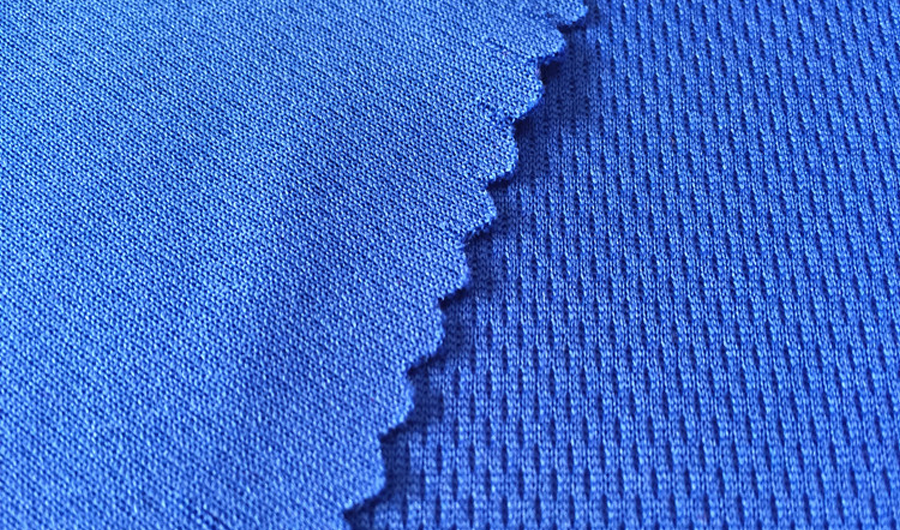
180–400 GSM fleece and French terry need controlled density because bulky loops can trap thread and hide detail. Lightweight jersey and rib knit require lighter fills, flexible underlay, and measured pull compensation.
Prepare The Production File

3 checks should precede export: confirm the working hoop, maximum design dimensions, and machine format such as DST, PES, or JEF. Format selection carries stitch commands, color sequence, trims, and hoop-position information, but it cannot repair weak digitizing.
- Verify hoop clearance around seams, zippers, and plackets.
- Keep editable native artwork alongside the machine-ready file.
- Approve a stitched sample before bulk decoration.
Fabric And Application Matrix
4 common buyer applications expose different file risks.
| Fabric category | Design constraints | Recommended checks | Buyer applications |
|---|---|---|---|
| Jersey knit | Stretch, curling, lightweight fills | Stabilizer, tension, pull compensation | T-shirts, polos, team jerseys |
| French terry or fleece | Bulk, loft, buried detail | Density, underlay, topping | Hoodies, sweatshirts, joggers |
| Twill or canvas | Heavy hand, stable base | Needle penetration, hooping, satin width | Varsity jackets, workwear |
| Quilted or padded | Seams, loft, uneven surface | Placement, backing, test sew-out | Outerwear, bomber jackets |
5. Customization and Decoration Options
Seven decoration methods can produce very different stitch behavior, file structures, and approval risks.
Match Files To Decoration
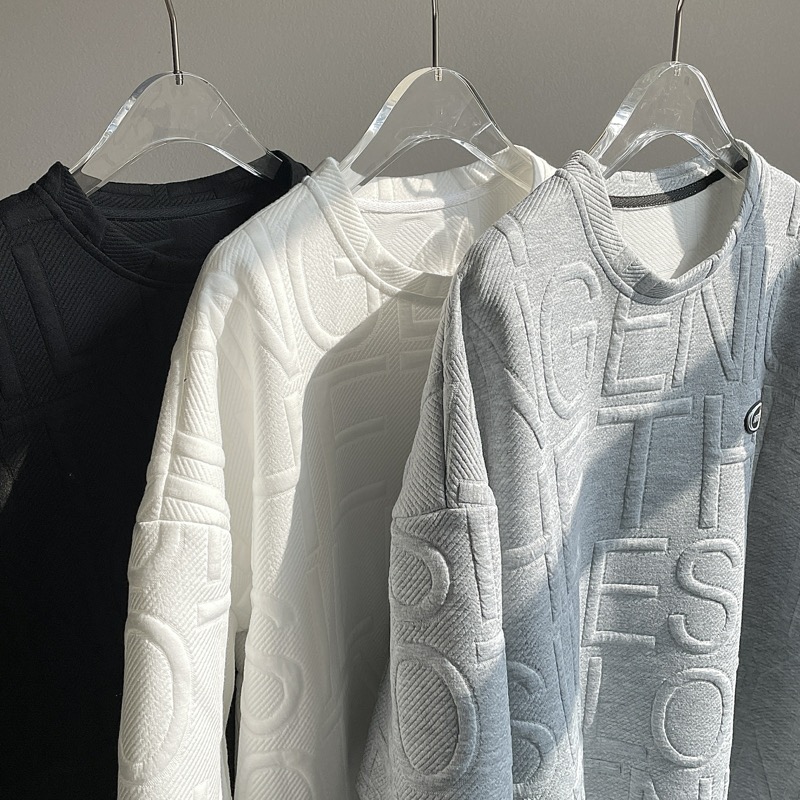
Logos and lettering require clean artwork, controlled satin widths, and readable letter heights; small text often needs simplification or a minimum size agreed during sampling. Patches and appliqué add cut shapes, tack-down stitches, fabric edges, and trim instructions.
- Ask whether the supplier digitizes from vector or raster artwork.
- Confirm lettering limits before approving the final layout.
- Request separate files for mixed embroidery and print applications.
Control Sequence And Trims
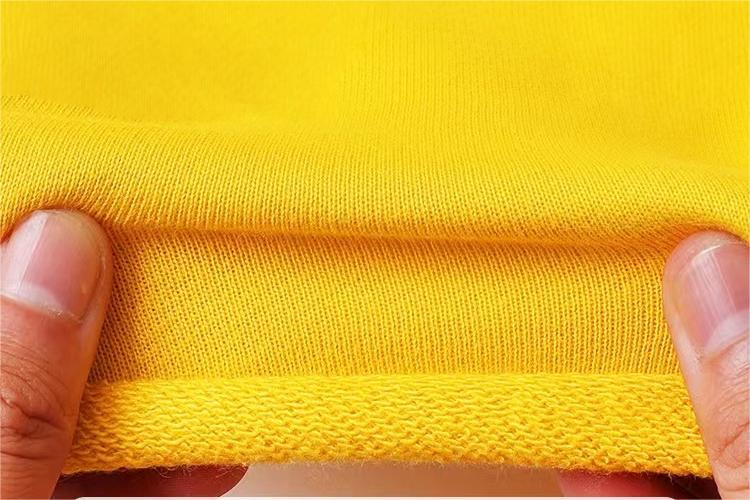
Color changes, underlay, trims, jumps, and needle sequencing must be reviewed in a stitch simulation before bulk production. DST files may not retain thread color information, so a color chart and sequence sheet should accompany the production file.
- Specify Pantone or approved thread references.
- Record trims and color changes in order.
- Measure placement from fixed garment landmarks.
Require Production-Ready Revisions
One approved sample should generate the native working file, machine export, color chart, and revision record. Ask whether the supplier can revise density, underlay, lettering, sequencing, and export format after a stitch-out review.
- Request native and machine-compatible exports.
- Approve a physical stitch-out on the actual fabric.
- Keep revision numbers tied to the tech pack.
6. Key Construction and Quality Elements
A 1:1 sew-out reveals production behavior that a screen preview cannot: fabric movement, thread coverage, registration and distortion.
Stitch Structure And Coverage
1,000 stitches can behave differently when density, stitch direction and underlay are poorly balanced. Excess density creates stiffness and thread buildup; weak underlay or missing pull compensation can leave gaps, narrowed satin columns or distorted edges.
Sequence, Trims And Jumps
Three controls affect both appearance and machine efficiency: sequencing, trims and jumps. The file should minimize unnecessary travel, place background elements before foreground details, and use trims where long jumps could create loose threads or snag points. Review every color change for logical order and clean thread tails.
Registration And Hoop Limits
Hoop dimensions define the usable decoration area, while registration determines whether adjoining elements meet accurately. Confirm the file fits the selected hoop with a practical margin for framing, stabilizer and garment placement. A 1:1 sample should be checked for misaligned borders, gaps between fills, shifted outlines and placement drift.
Buyer Sample Review
Before approval, compare the sew-out against the artwork for scale, thread colors, coverage and legibility. Inspect front and reverse sides for bobbin exposure, loose tails, backing problems and thread breaks. Record the approved size, hoop, thread chart, placement measurements and revision date.
7. How to Choose a Manufacturer Using This Guide
A supplier should pass a technical review before pricing becomes the deciding factor.
Verify Machine And Digitizing Capability
DST, PES, JEF and EXP support should match the machines used for your program; ask which formats are native, converted or outsourced. Request evidence of digitizing skill with satin width, underlay, density, pull compensation and sequencing.
- Which machine brands and formats do you support?
- Who creates and approves the digitized file?
- Can you provide a stitch-out from comparable artwork?
Control Samples And Revisions
One approved stitch-out should define thread colors, stitch count, dimensions, placement and backing before bulk production. Require a dated approval record and confirm how many revision rounds are included.
- Can we approve a physical sample before bulk?
- What changes trigger a new digitizing charge?
- Will we receive native and machine-ready files?
Check Color And Quality Systems
Pantone references, thread-brand details and physical swatches should be reconciled before approval; screen previews alone cannot confirm embroidery color. Ask how shade variation, registration, loose threads, puckering and backing exposure are inspected.
- How are colors matched and recorded?
- What are the in-line and final inspection checks?
- How is a failed sample corrected?
Test Capacity And Communication
EDVORIN’s MOQ starts at 200 pieces per style. A realistic capacity review should cover sample lead time, monthly machine availability, peak-season planning, MOQ and repeat-order support. Fashion brands, teams, schools, wholesalers and private-label buyers should identify one accountable contact.
- What capacity is reserved for our launch window?
- Who owns approvals and production updates?
- How are repeat orders matched to the original standard?
8. Common Embroidery File Format Mistakes Buyers Make
JPG and PNG files show artwork, while machine files encode stitch instructions and machine commands.
Artwork Is Not A Stitch File
JPG, PNG, PDF, and SVG files are artwork references, not machine files; they require digitizing before stitching. Confirm the exact machine model and required format, because PES, JEF, VP3, and DST support varies by system.
Conversion Without Review
A correct file extension does not guarantee a usable design. Conversion can change trims, color sequence, density, or underlay, while hoop dimensions and stitch-count limits may prevent loading or distort placement.
Skipping The Sew-Out
A screen preview cannot reveal every production issue. Fabric stretch, puckering, thread tension, satin width, registration, and placement may differ from the digital simulation.
Losing Originals And Color Control
Expanded files such as DST may not preserve thread-color information, and a machine file is not always the best editable master. Losing the native digitized original makes later resizing or correction slower and riskier.
9. Steps to Launch Your Embroidery Program
8 launch checkpoints keep an embroidery program controlled from artwork intake through repeat orders.
Define The Application
1 application decision comes first: identify whether the design is for a left-chest logo, cap, sleeve, patch, team number or oversized back placement. Record wearer, garment category, decoration size and expected order quantity. 2 placement references prevent later interpretation.
Prepare Artwork And Garments
3 artwork inputs should include editable vector files such as AI, EPS or SVG, plus a high-resolution raster reference when available. Supply brand colors, Pantone references and the cleanest approved logo version.
Digitize And Approve
5 the selected manufacturer should digitize against the actual artwork, garment and placement—not a generic template. com/en-gb/blog/embroidery-file-formats-list-machine-embroidery-guide). 6 approve a physical sew-out before bulk production. Check registration, density, underlay, thread color, edge quality, puckering and the design’s relationship to seams or ribbing.
Lock Reorder Controls
7 the approved production pack should contain the native digitized file, machine files, color sequence, stitch count, dimensions, placement diagram, thread references, garment specification, sew-out photo and revision date. 8 repeat orders should use the same master version and approval record.
- First order: artwork, garment, placement, sew-out, approval
- Repeat order: master file, revision, garment lot, placement check
10. Embroidery File Format Guide Pricing and Cost
1–3 revisions commonly separate a basic digitizing quote from a production-ready file. Artwork cleanup, stitch planning, underlay, density, trims, pull compensation and color sequencing increase labor when a logo is complex, small or heavily detailed. 2 file types may be requested: an editable native file for future revisions and a machine format such as DST or PES for production. Conversion is not the same as redigitizing; confirm whether the supplier checks stitch behavior after conversion.
| Cost Category | Typical Pricing Structure | Lead-Time Impact | Buyer Questions |
|---|---|---|---|
| Artwork cleanup | One-time hourly or flat fee | Same day to 2 business days | Is vector artwork supplied, and are missing details rebuilt? |
| Digitizing | Quoted by design complexity or stitch count | 2–5 business days | What stitch count, size, fabric and thread standard are included? |
| Revisions and sew-out | Included rounds or separate fee; sample billed separately | 1–3 business days per round | How many revisions and physical tests are included? |
| File conversion and setup | Per-format conversion or production setup fee | Hours to 1 business day | Will DST, PES or another required format be tested on the target machine? |
| Bulk embroidery | Per-piece quote, often adjusted for quantity and stitch count | Production slot plus inspection time | Are thread changes, placement tolerances, rejects and rework included? |
Custom Apparel Manufacturing Across Every Product Category
Apply clear file, placement and stitch specifications across branded garments, teamwear, schoolwear and wholesale collections developed for repeatable production.
Custom Hoodies
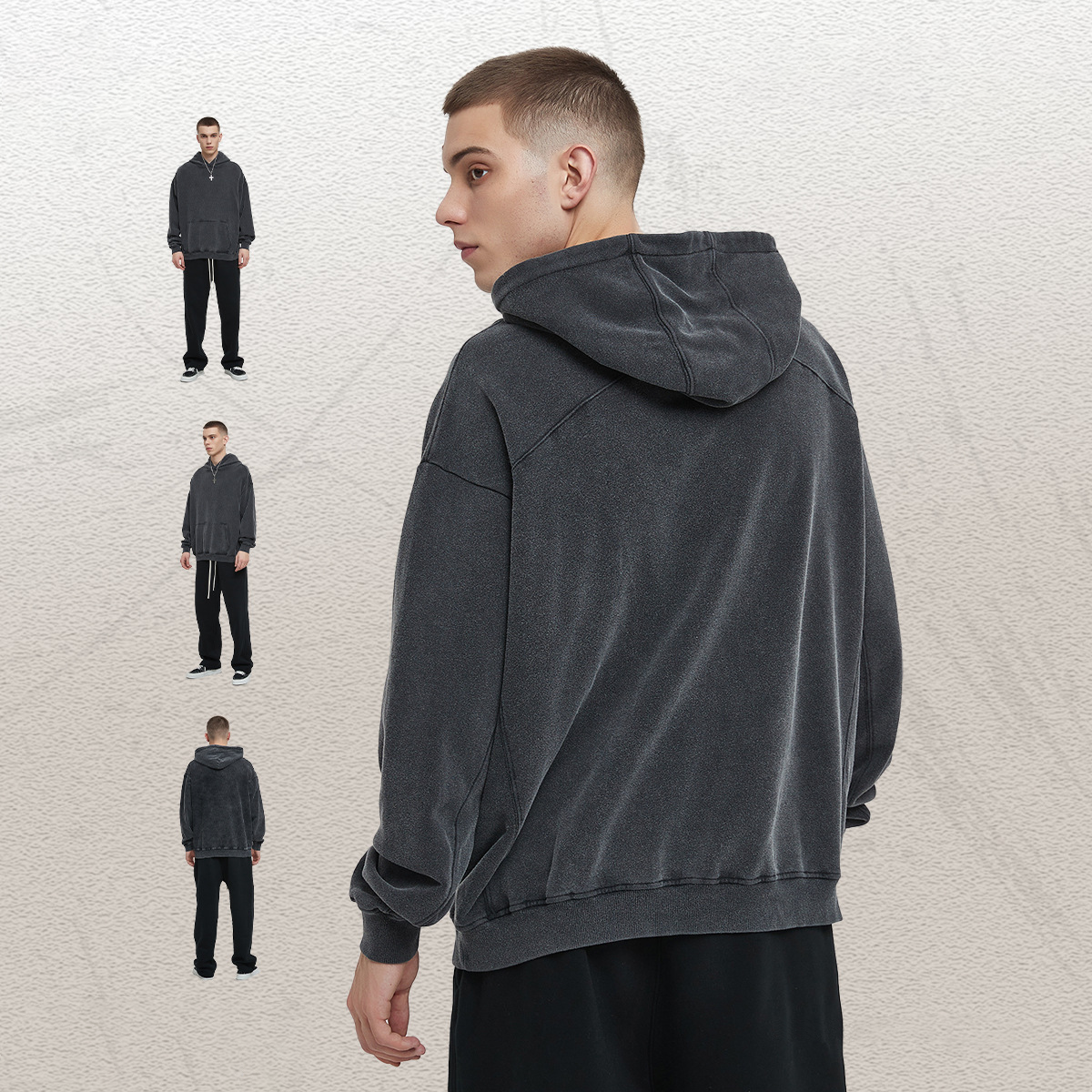
For custom hoodie programs, the embroidery file format guide helps define logo scale, stitch density and placement across fleece, rib and layered construction. EDVORIN coordinates digitized artwork, stabilizers and sampling for streetwear labels, schools, teams and private-label buyers using a custom hoodie manufacturer.
Get a Quote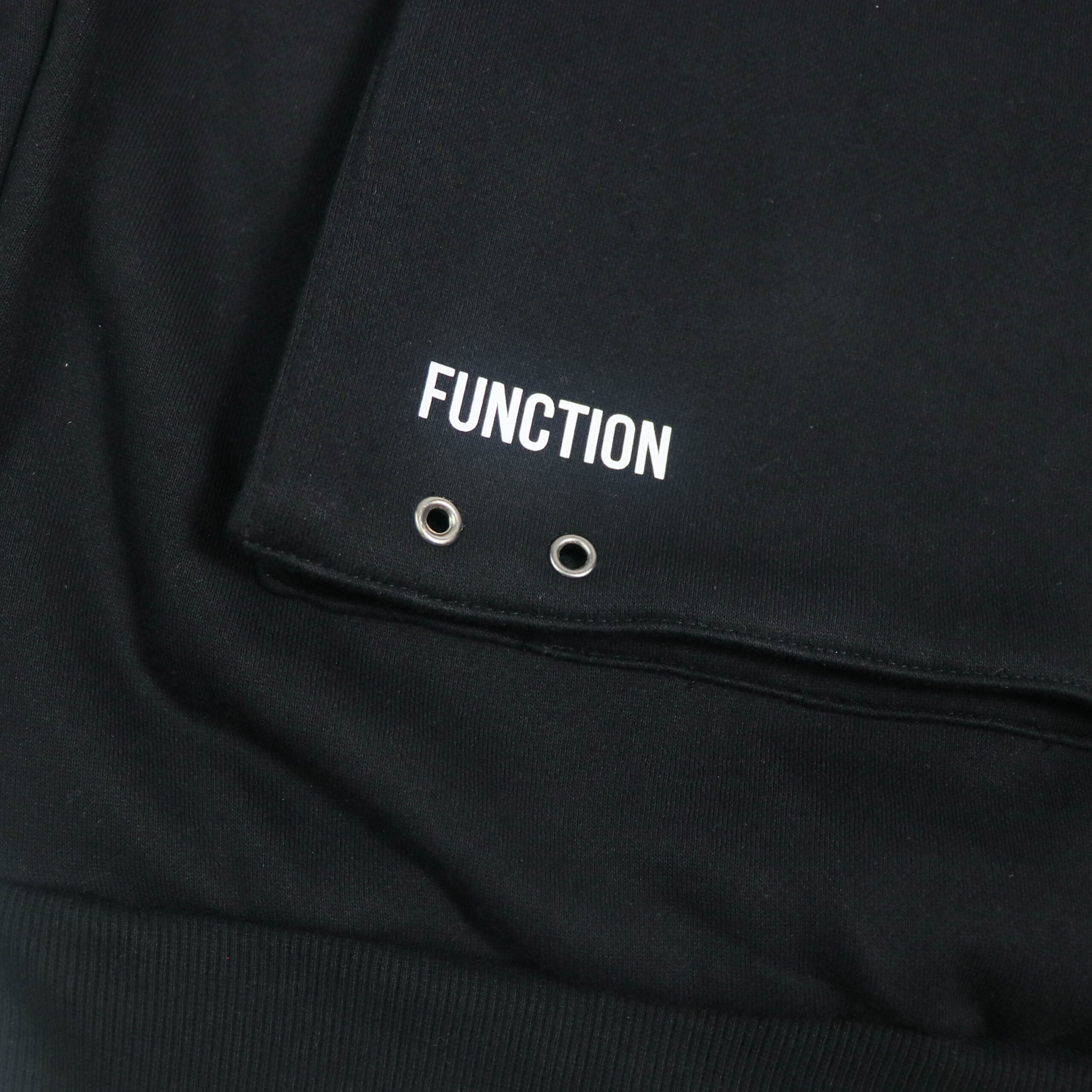
Pullover Sweatshirts
As a sweatshirt manufacturer, EDVORIN applies the guide to chest logos, sleeve marks and appliqué details on pullover sweatshirts. File specifications are reviewed with fabric weight, decoration area and intended wear in mind, supporting consistent samples and repeat wholesale or schoolwear orders.
Get a Quote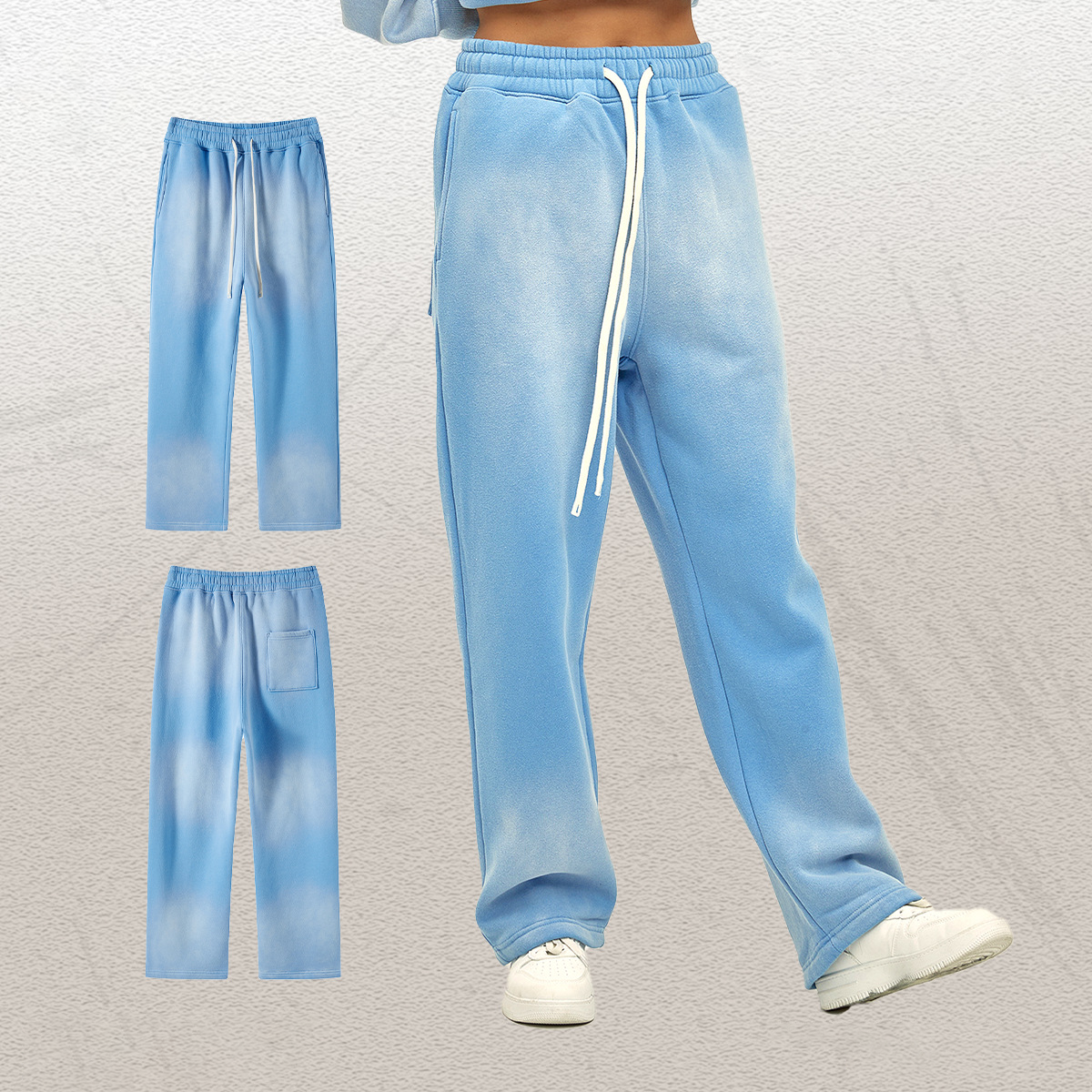
Sweatpants & Joggers
For sweatpants and joggers, embroidery files must account for curved panels, pocket placement and fabric stretch. EDVORIN reviews artwork dimensions, backing and stitch coverage for coordinated sets, club apparel and streetwear programs, helping buyers maintain a consistent standard from approved sample through bulk production.
Get a Quote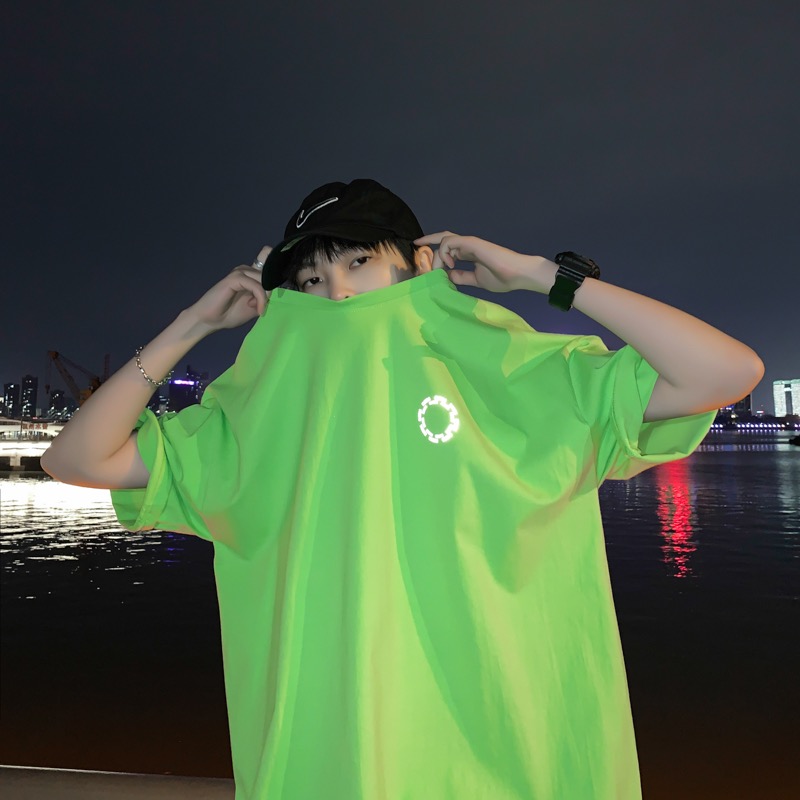
Custom Shorts
Custom shorts require embroidery planning that respects compact decoration areas, seam allowances and lightweight or performance fabrics. The guide supports clear file handoff for logos, initials and team marks, while EDVORIN coordinates placement, backing and production checks for sports clubs, schools and private-label programs.
Get a Quote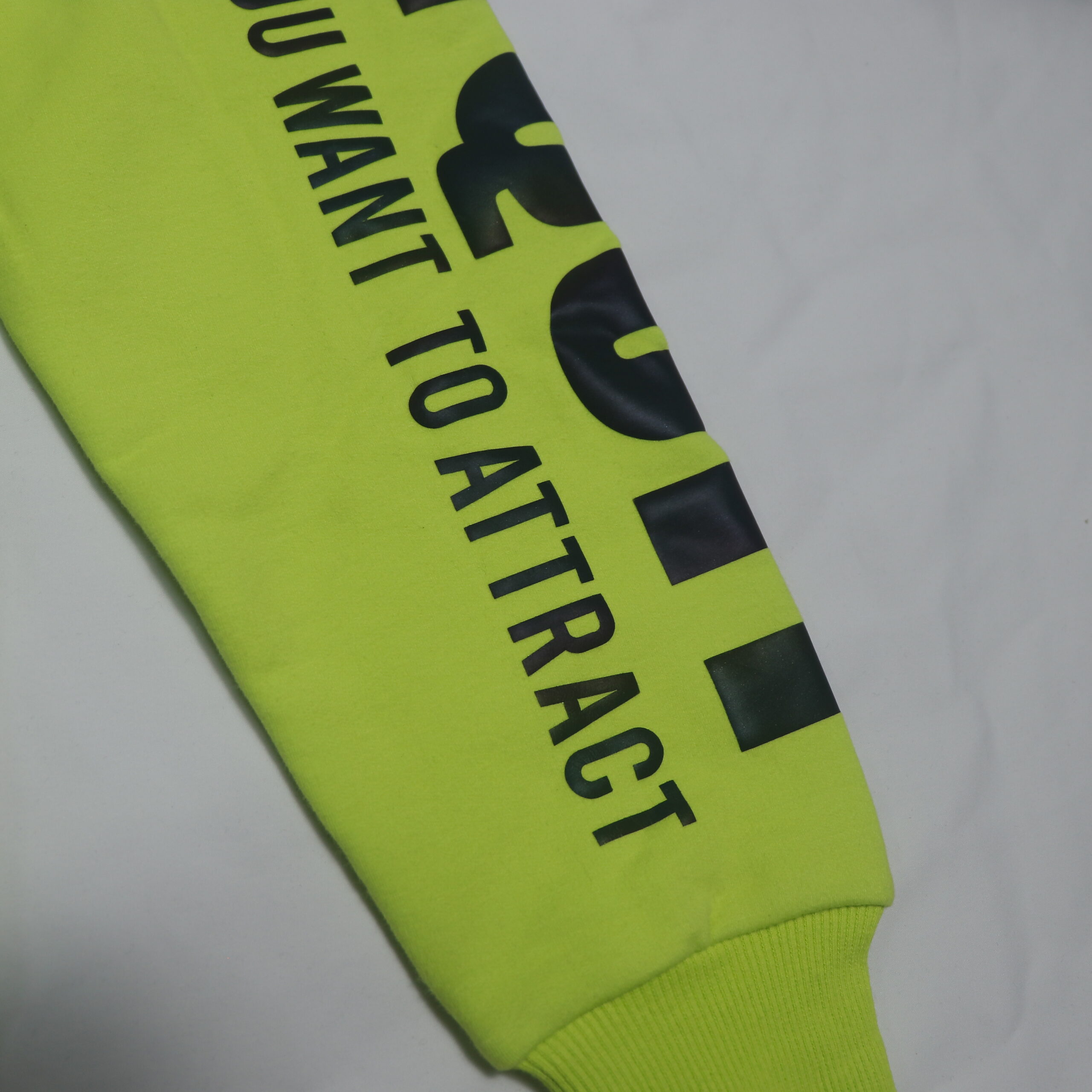
Varsity & Baseball Jackets
For varsity and baseball jackets, embroidery often includes chest logos, sleeve details, names or large back artwork. EDVORIN uses the file format guide to clarify stitch files, patch boundaries, placement and density across shell fabrics, lining and rib, supporting repeatable teamwear and fashion production.
Get a Quote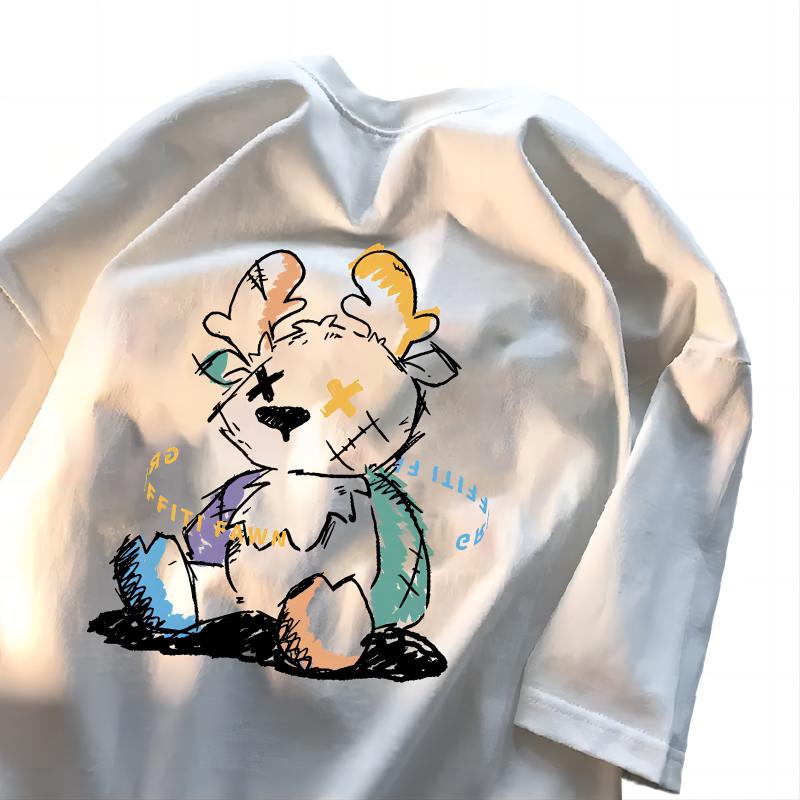
Custom T-Shirts
As a custom T-shirt manufacturer, EDVORIN uses the guide to organize embroidery files for small chest marks, oversized artwork and branded details. Artwork is evaluated against jersey, cotton or blended fabrics, ensuring buyers can review placement, stitch behavior and approved standards before bulk production.
Get a Quote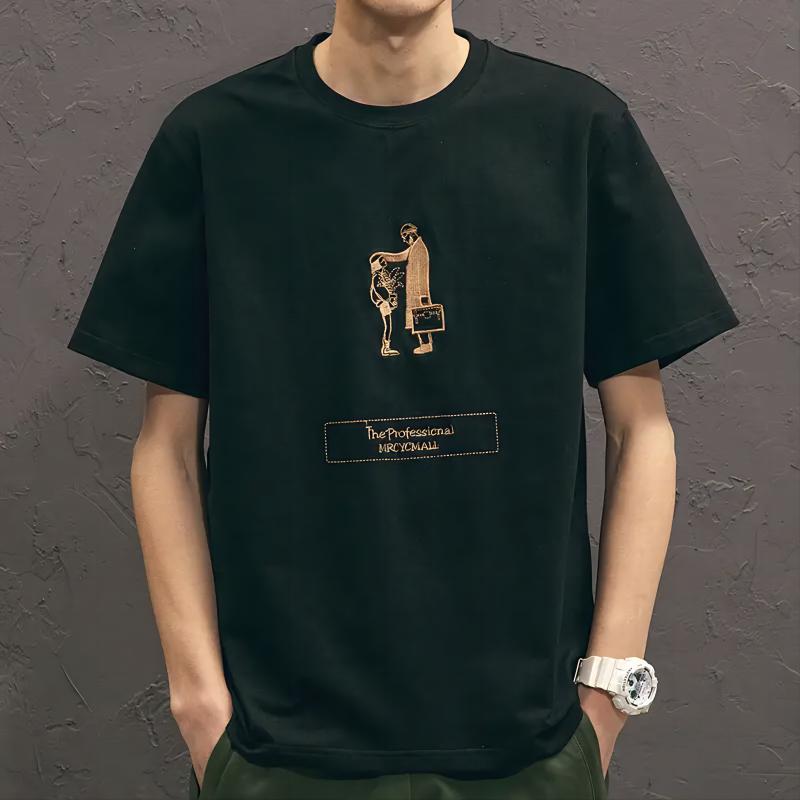
Custom Polo Shirts
Custom polo programs may combine embroidered chest logos, sleeve marks and woven or printed details. The embroidery file format guide clarifies artwork scale, thread colors and placement relative to plackets and collars. EDVORIN supports corporate apparel, schoolwear, wholesale and private-label buyers with documented sample standards.
Get a Quote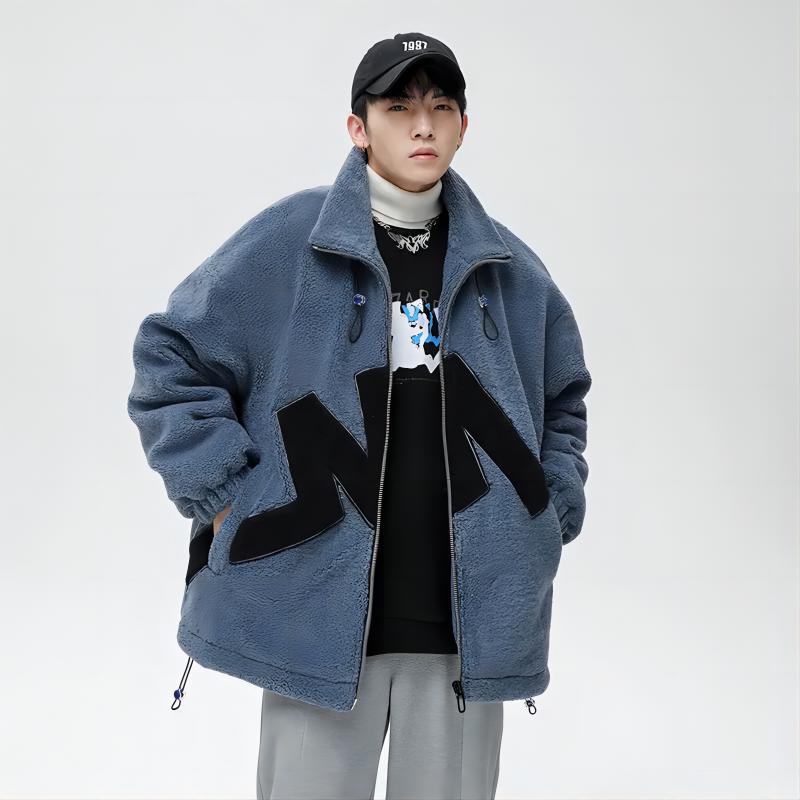
Windbreaker Jackets
Windbreaker embroidery requires attention to lightweight shell fabrics, lining, seam locations and backing. EDVORIN applies the guide to logo files and placement specifications before sampling, helping sports organizations, schools and streetwear buyers balance decoration visibility with the construction and performance requirements of the jacket.
Get a Quote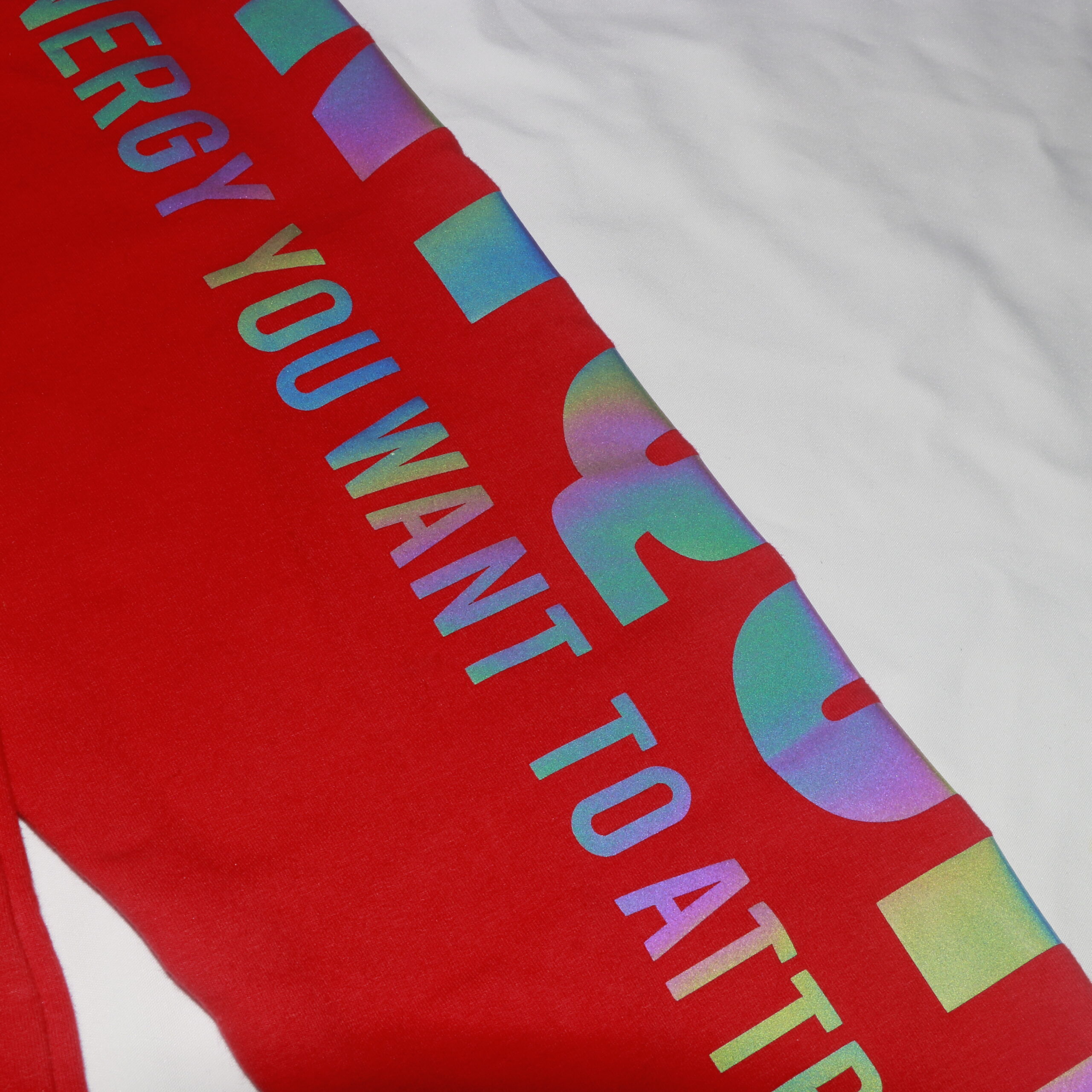
Quilted Jackets
For quilted jackets, embroidery files must be planned around quilting lines, insulation and compressible shell materials. EDVORIN reviews stitch density, backing, artwork size and placement so decorative branding remains controlled across samples and bulk orders for outerwear collections, corporate programs and private-label ranges.
Get a Quote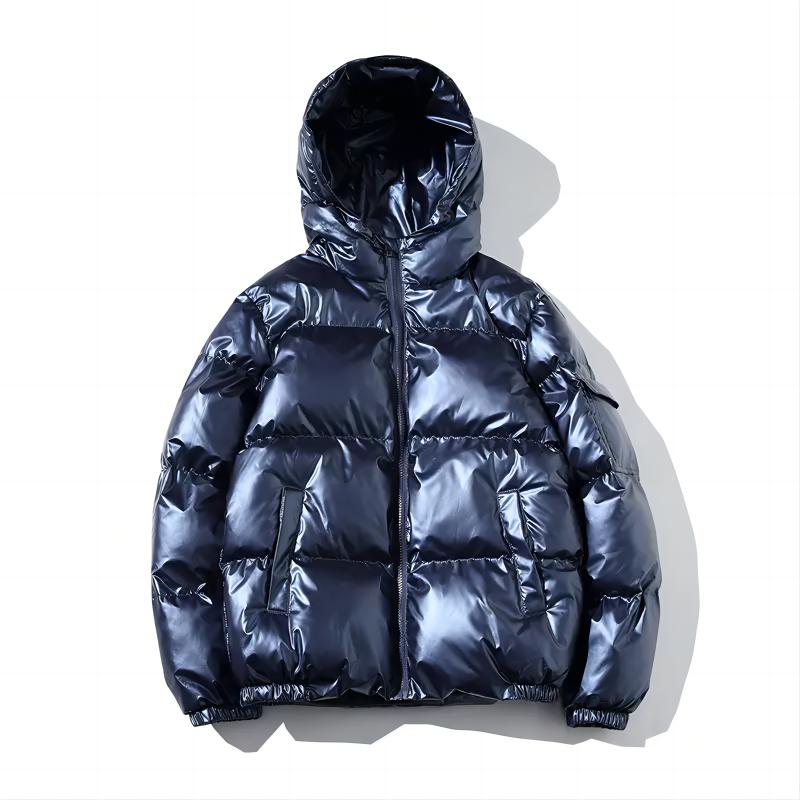
Bomber Jackets
Bomber jacket programs often use embroidered chest logos, sleeve marks or large back designs alongside patches and hardware. The guide helps EDVORIN define file format, placement and stitch requirements around rib, seams and lining, supporting repeatable fashion, streetwear, teamwear and wholesale production.
Get a Quote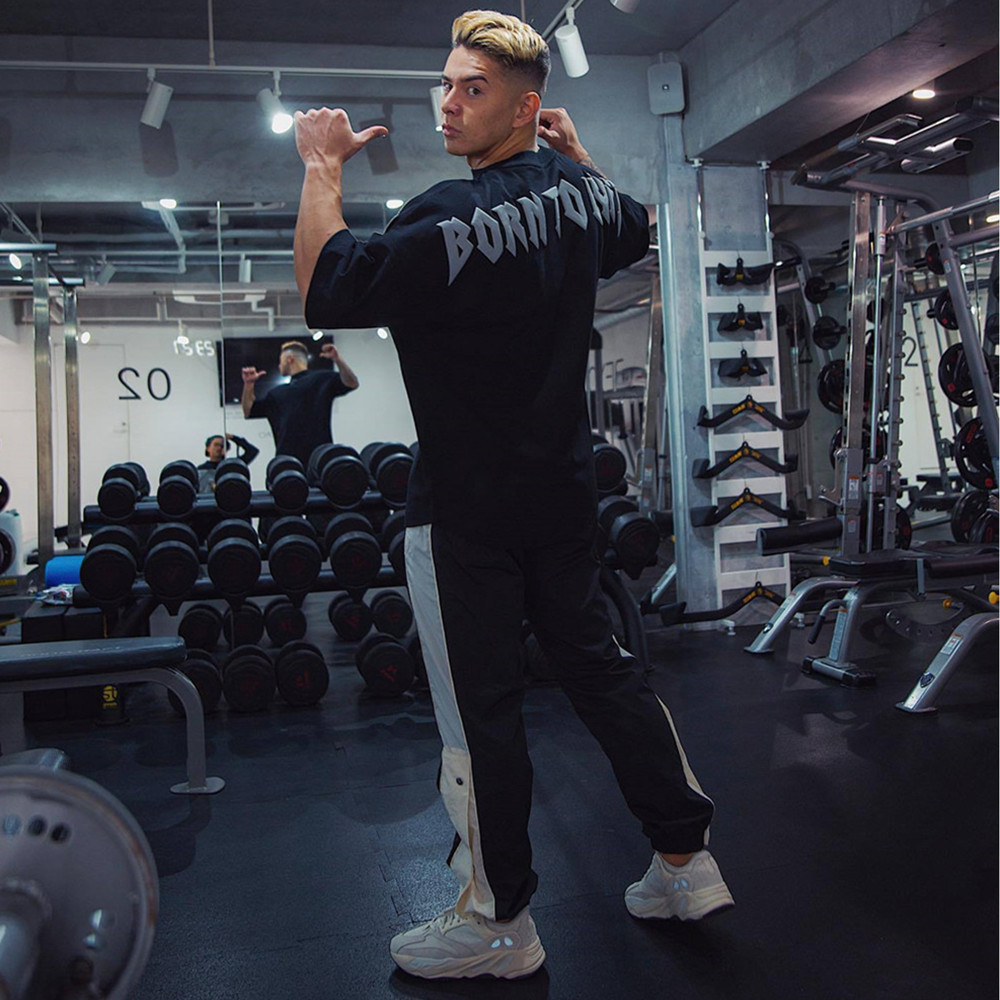
Custom Shirts
Custom woven shirts can use embroidered logos, initials or restrained branding on structured panels. EDVORIN coordinates the embroidery file with fabric weight, collar and pocket placement, giving fashion brands, corporate buyers and wholesalers a clear standard for reviewing decoration before sample approval and repeat orders.
Get a Quote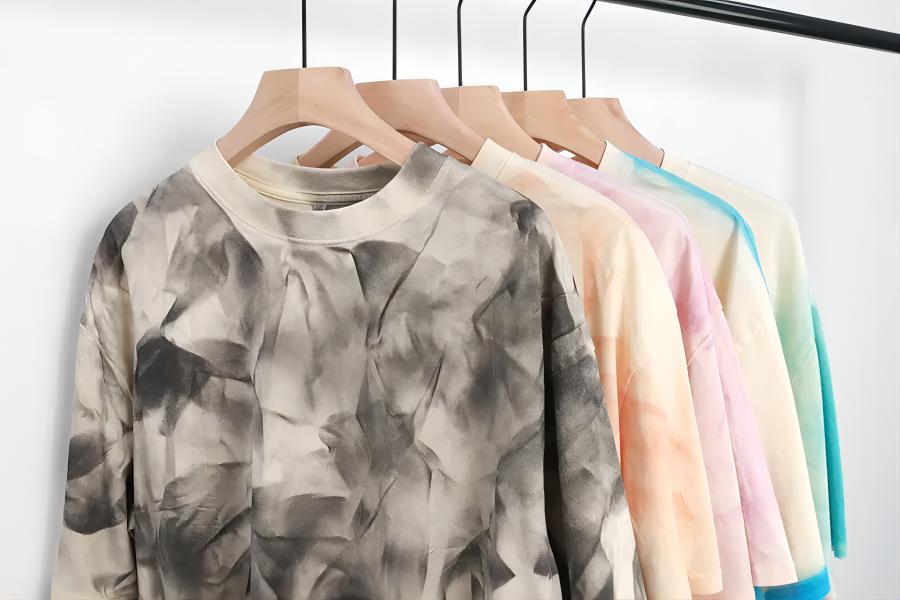
Custom Jerseys
For custom jerseys, the guide supports embroidered crests, sponsor marks and decorative details alongside printed names and numbers. EDVORIN evaluates file specifications against breathable performance fabrics, panel construction and wash requirements, helping teams and sports organizations maintain consistent branding across size sets and replenishment orders.
Get a Quote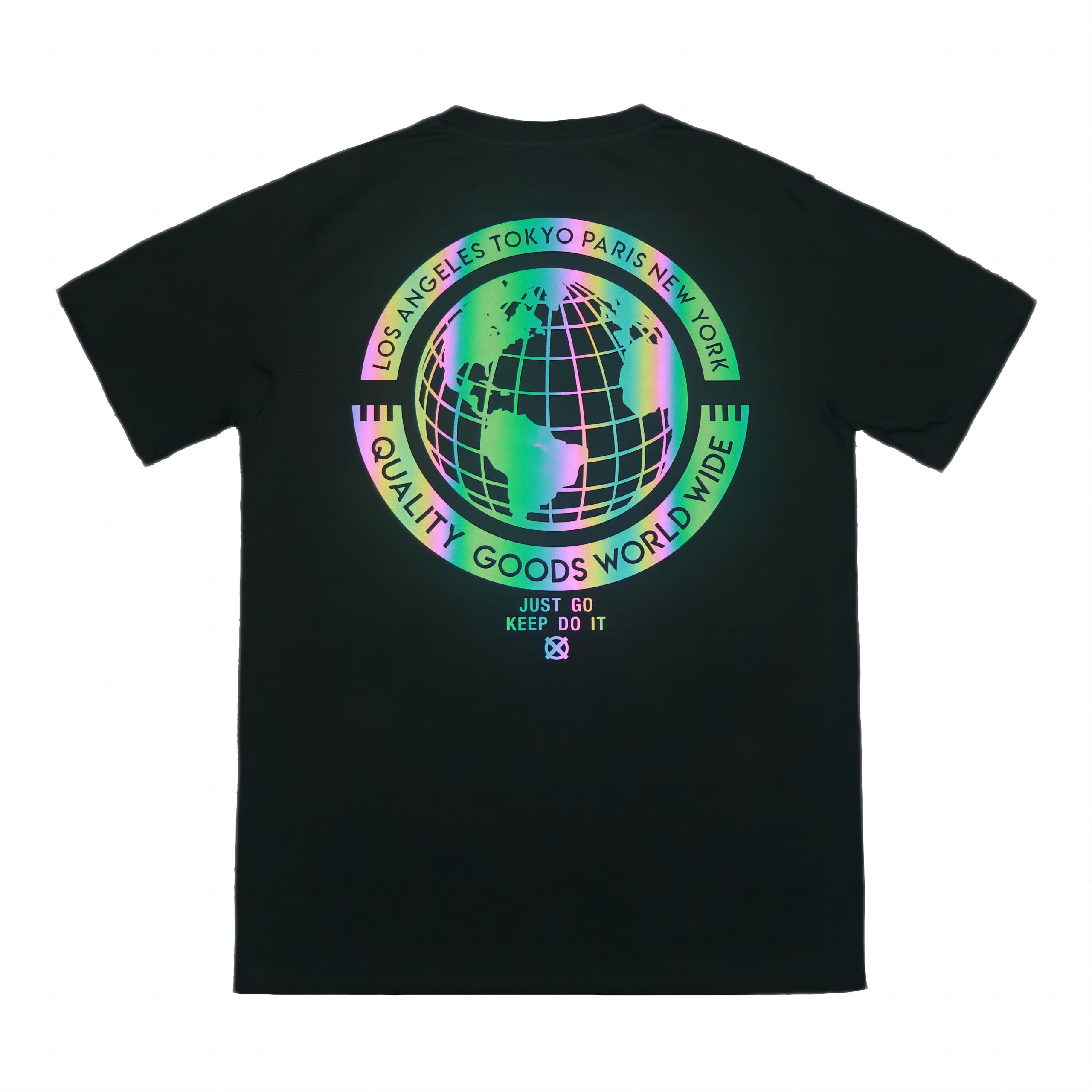
Tank Tops
Tank tops require careful embroidery planning because lightweight knits and narrow panels can distort under dense stitching. EDVORIN uses the guide to define compact artwork, backing and placement for fashion, fitness, school and streetwear programs, with sampling used to confirm appearance and wear performance.
Get a Quote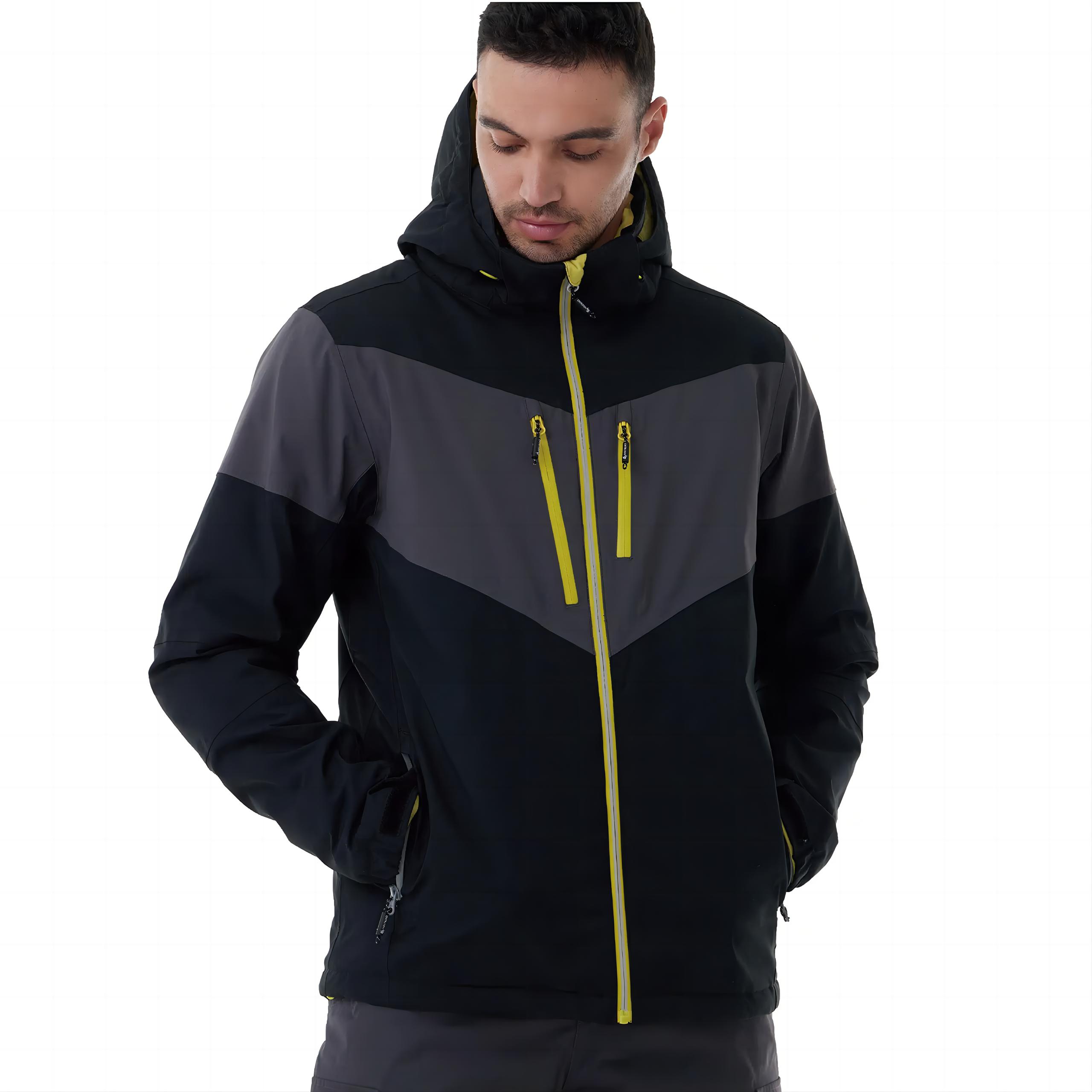
Soccer Uniforms
Soccer uniform programs may combine embroidered crests with printed names, numbers and sponsor artwork. EDVORIN applies the guide to crest files, thread colors, placement and stitch coverage while coordinating breathable fabrics, grading and size sets for clubs, academies, schools and repeat teamwear orders.
Get a Quote
Basketball Uniforms
Basketball uniform programs require clear embroidery specifications for crests, initials and selected decorative elements across performance mesh and reinforced panels. EDVORIN coordinates file preparation, placement and backing with printed numbers and names, supporting consistent team sets, school programs and organized replenishment production.
Get a Quote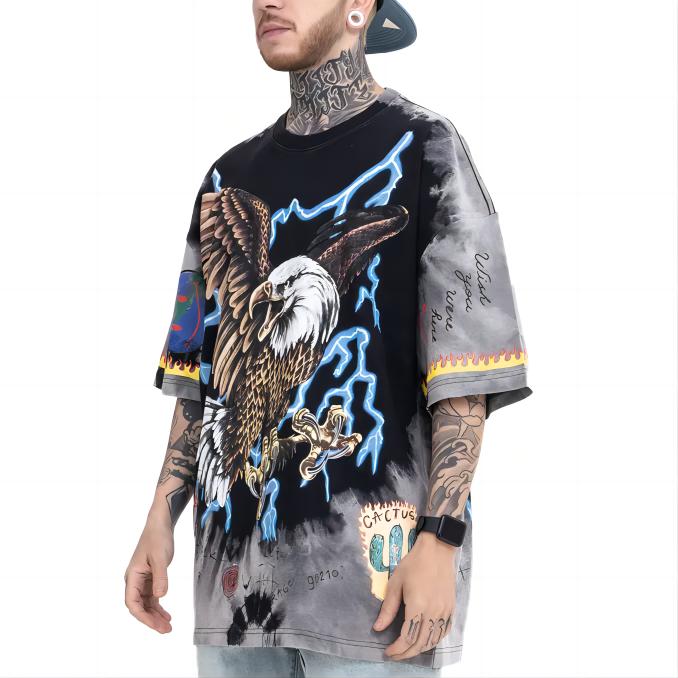
Streetwear Collections
For streetwear collections, the embroidery file format guide creates a shared standard for logos, symbols, lettering and recurring motifs across hoodies, jackets, shirts, head-turning outerwear and coordinated pieces. EDVORIN connects artwork preparation with materials, decoration, sampling and bulk control for emerging labels, established brands and wholesalers.
Get a QuoteApparel Manufacturing FAQs for Brands and Buyers
Answers for buyers preparing embroidery artwork for sampling, approval and repeatable apparel production.
What does an embroidery file format guide help me choose?
Which file format should I send for commercial embroidery production?
Does an embroidery file format guide explain DST, PES, JEF and EXP?
Can I submit a JPG, PNG, PDF or SVG instead of an embroidery file?
Is converting PES to DST enough for a production order?
What should I include when submitting embroidery artwork to EDVORIN?
How does EDVORIN prevent embroidery differences between sample and bulk?
Build Your Next Apparel Program With EDVORIN
Share your artwork with EDVORIN for product development, decoration coordination and repeatable OEM or ODM apparel production.